Scroll to explore

Dune

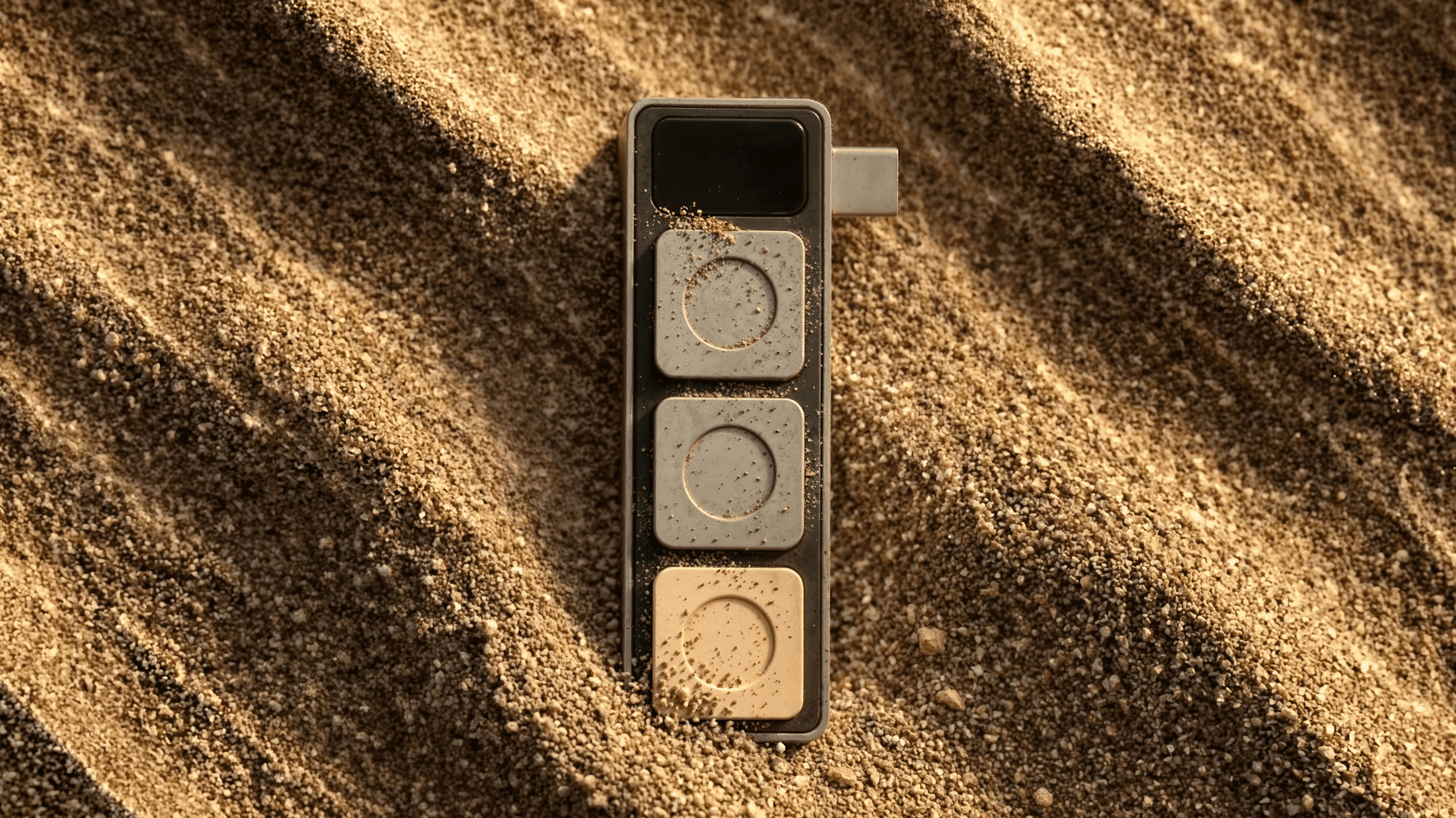
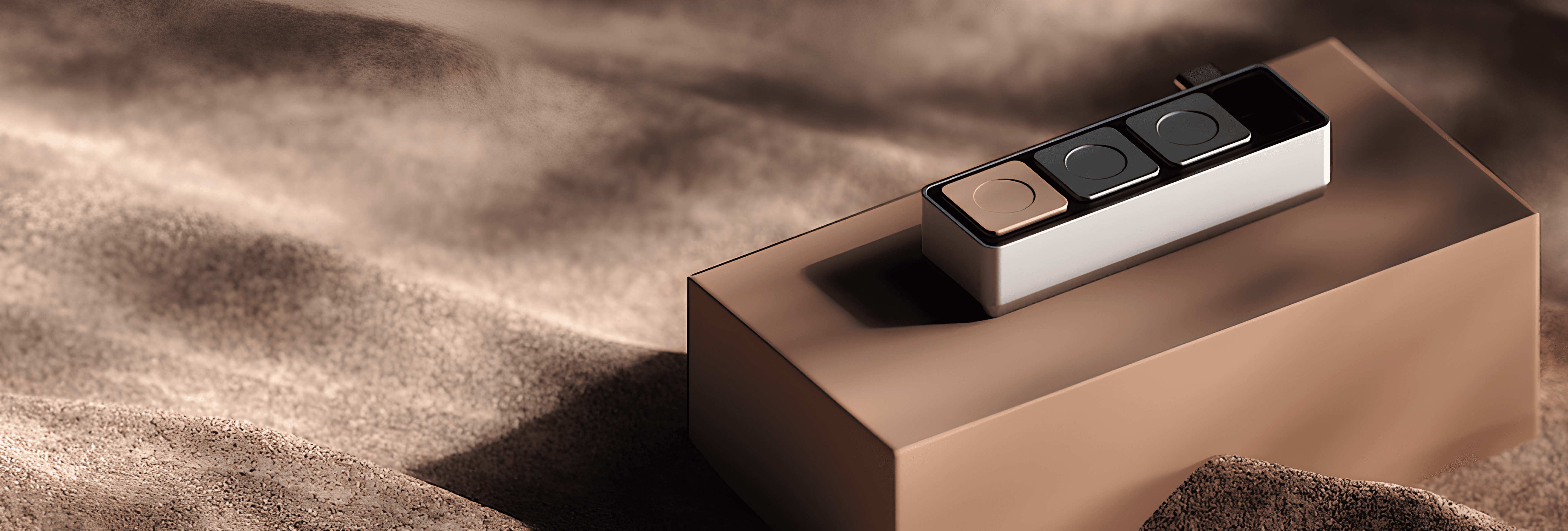
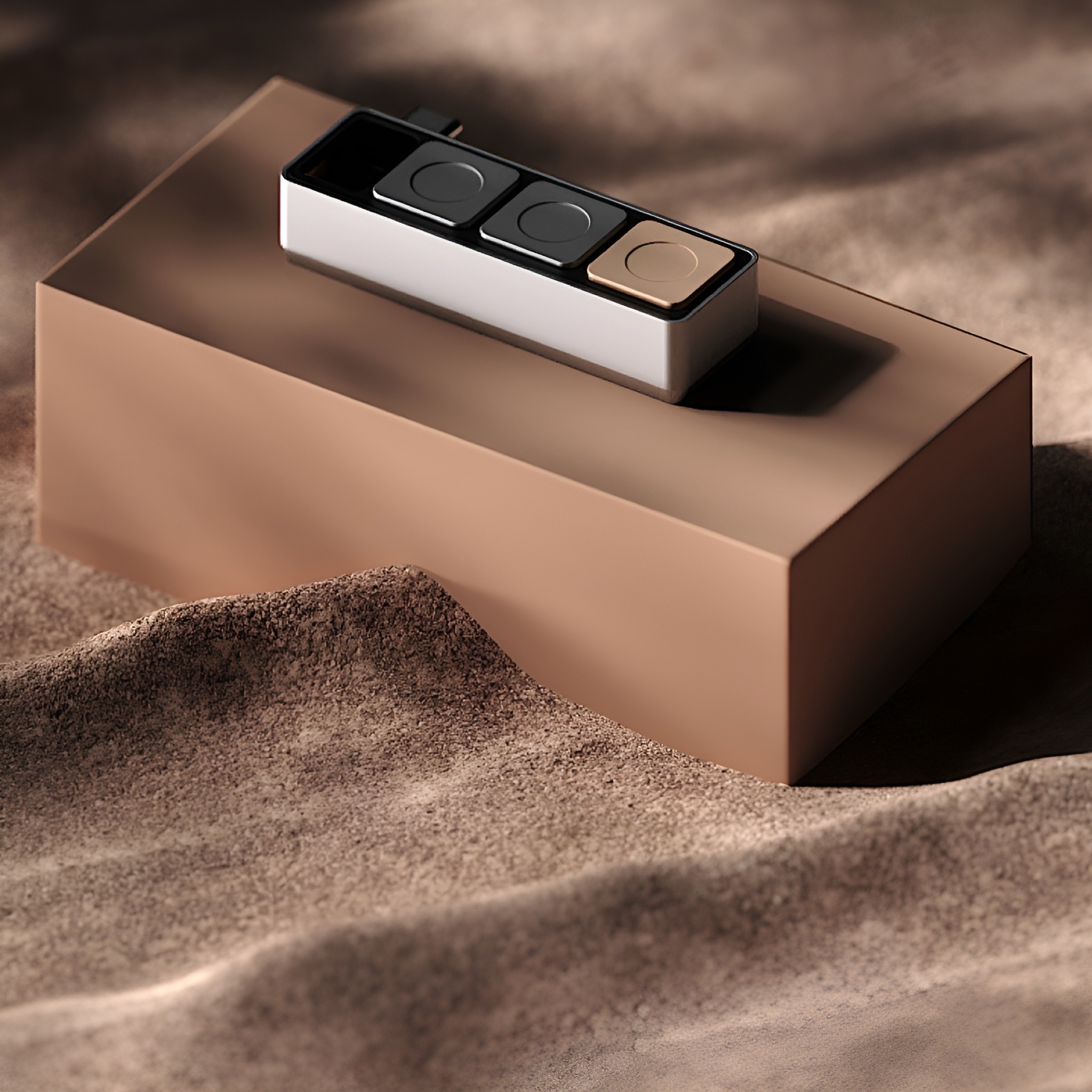
Keyboards haven't changed in the last 50 years. Until now. Dune is a contextual three-key macropad that reads your active Mac app and maps relevant actions personalized to you automatically, so you stay focused on what matters, not on how to get there.

As featured on

Features of Dune

The first AI powered keypad for macOS, automating dev workflows, simplifying online meetings, and more.
Dev Workflows

Daily Meetings

Beyond Macros

01. GitHub, VS Code, Claude, without breaking flow.

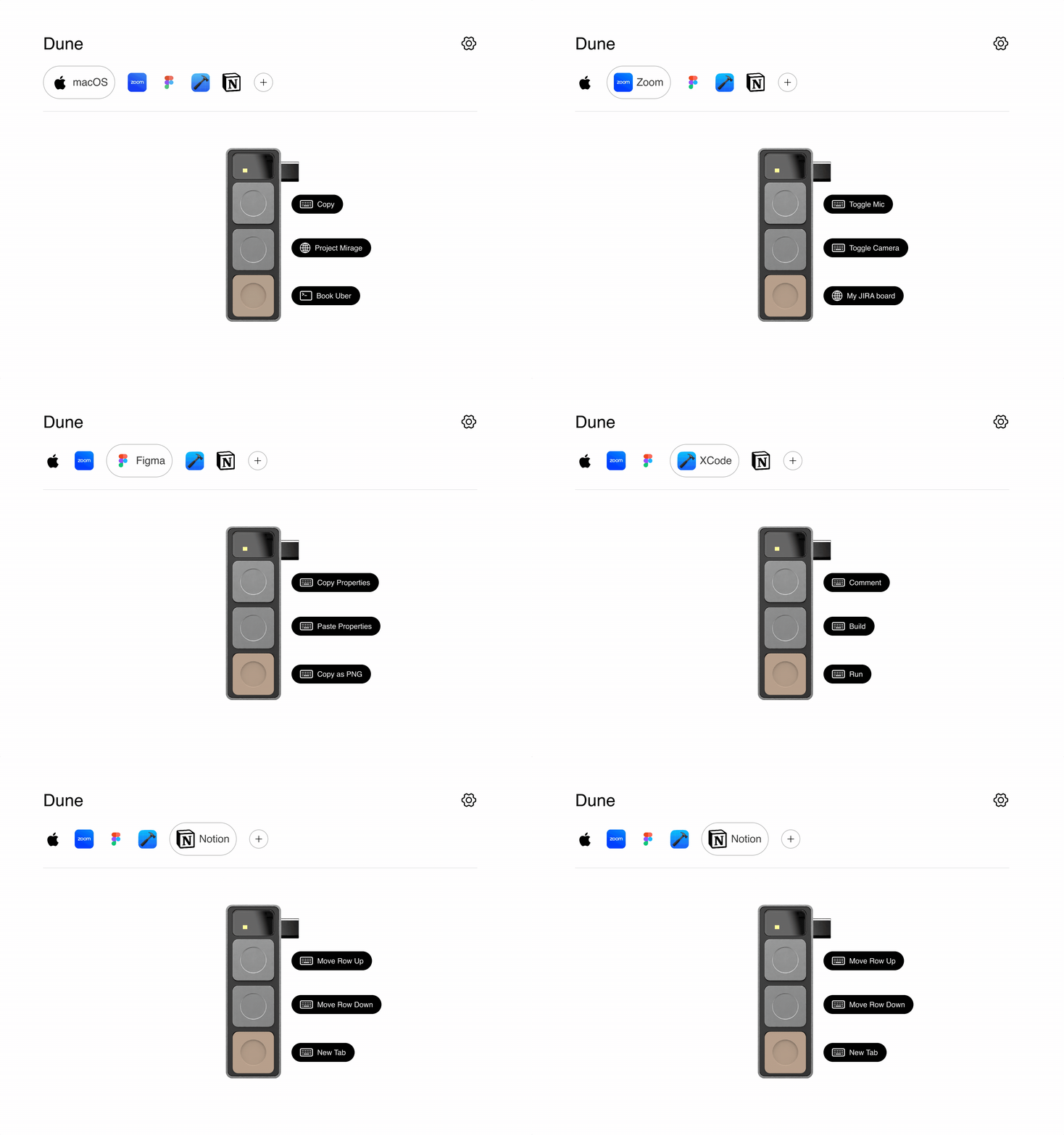
Dune detects which dev tool you're in and maps its three keys to the actions you reach for most.

02. Custom agents, one tap away.

Dune + Openclaw lets you invoke agents you've built, such as an Email Assistant that sorts your inbox and drafts responses early in the day. Openclaw use cases are for reference and are not pre-installed in Dune.

03. AI Powered context awareness - updating sheets and more in real time.

Dune detects the app you’re working in and updates its key functions accordingly, with no manual setup needed. Instantly see what each key does on your Mac screen and execute relevant commands without breaking focus.

  • 01. GitHub, VS Code, Claude, without breaking flow.

    Dune detects which dev tool you're in and maps its three keys to the actions you reach for most.

    02. Custom agents, one tap away.

    Dune + Openclaw lets you invoke agents you've built, such as an Email Assistant that sorts your inbox and drafts responses early in the day. Openclaw use cases are for reference and are not pre-installed in Dune.

    03. AI-Powered context awareness updating sheets and more in real time.

    Dune detects the app you’re working in and updates its key functions accordingly, with no manual setup needed. Instantly see what each key does on your Mac screen and execute relevant commands without breaking focus.

    1/3

    Dev Workflows

  • 01. Join Zoom, Teams, and Google Meet calls with one click.

    Dune syncs with your calendar and converts its three keys into instant meeting controls, enabling one-click join for Zoom, Teams, and Google Meet.

    02. Physical mic/camera toggles and one click unmute to instantly snap your meeting window to the front.

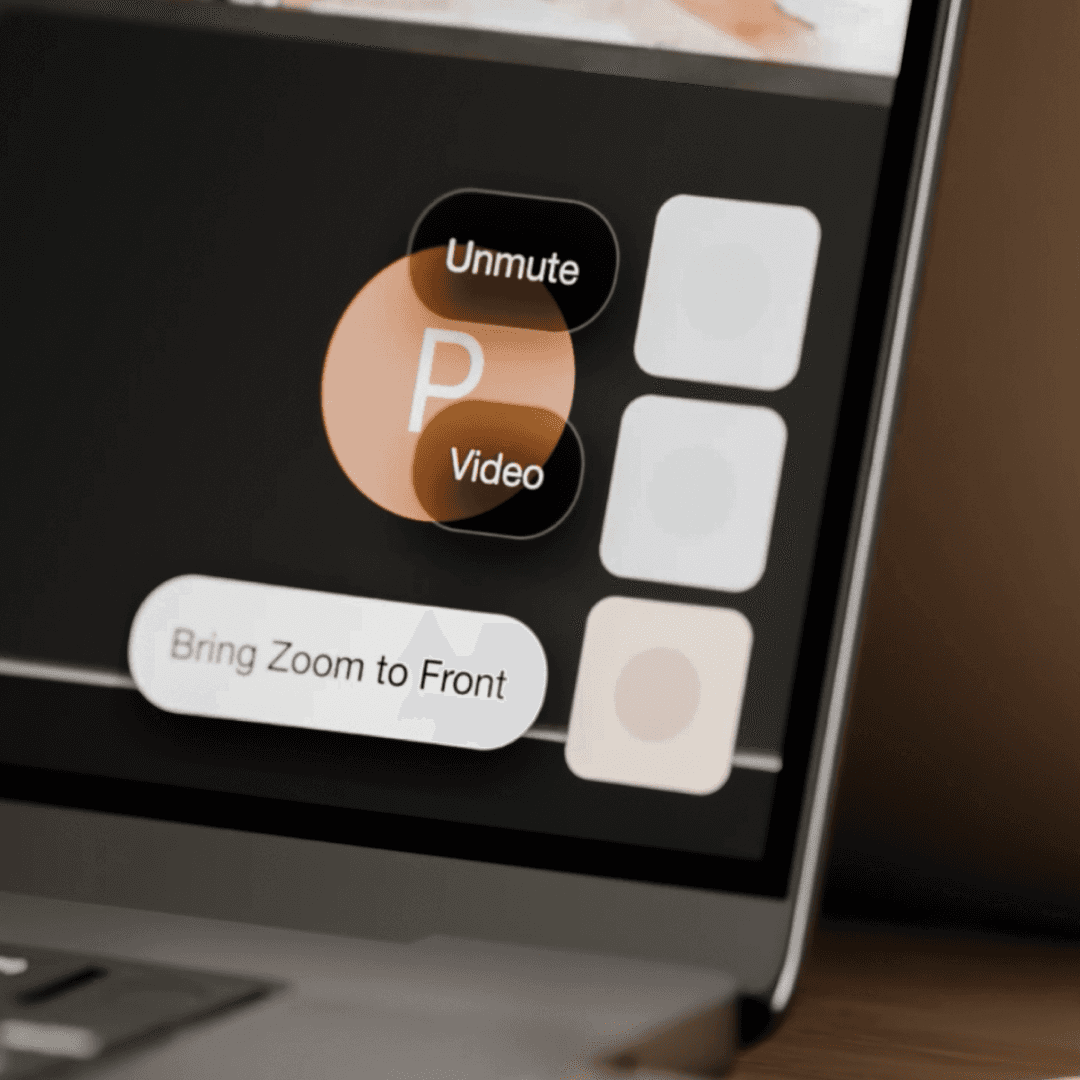
    One click to mute/unmute, which also brings your active meeting window forward while multitasking. Plus dedicated camera controls, so you're never hunting for on-screen buttons mid-conversation.

    03. AI Powered context awareness - updating sheets and more in real time.owered context awareness updating sheets and more in real time.

    Dune detects the app you’re working in and updates its key functions accordingly, with no manual setup needed. Instantly see what each key does on your Mac screen and execute relevant commands without breaking focus.

    2/3

    Daily Meetings

  • 01. Customizable Macros

    Trigger any shortcut sequence with a single tap. We have enabled the most-used shortcuts for Notion, Figma, and Excel by default.

    02. URL

    Open any link the moment you need it.

    03. Script

    Run custom scripts to automate the workflows you do every day. If you can write it, Dune can run it.

    3/3

    Beyond Macros

Seamless Mac Control In 3 Simple Steps
Step 1

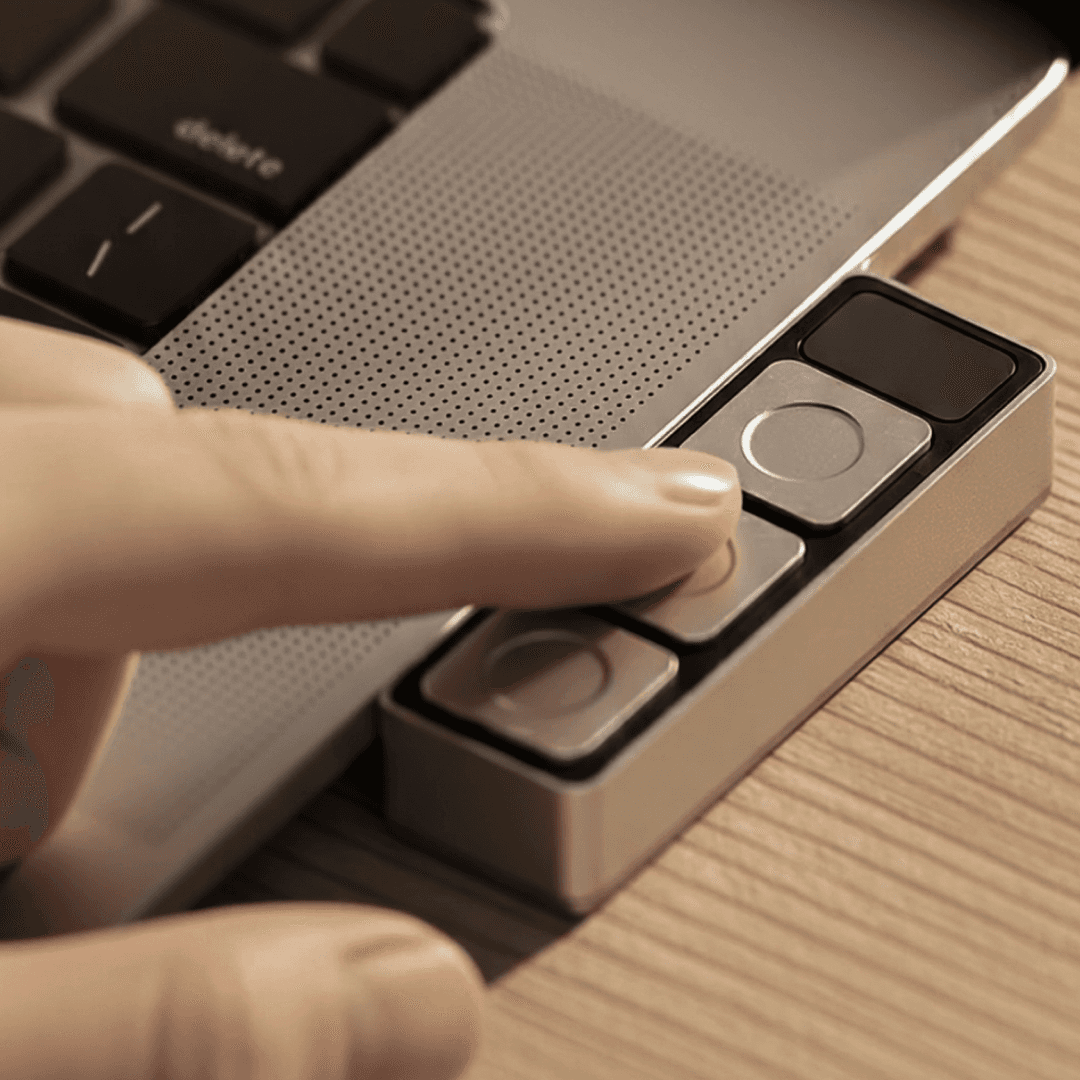
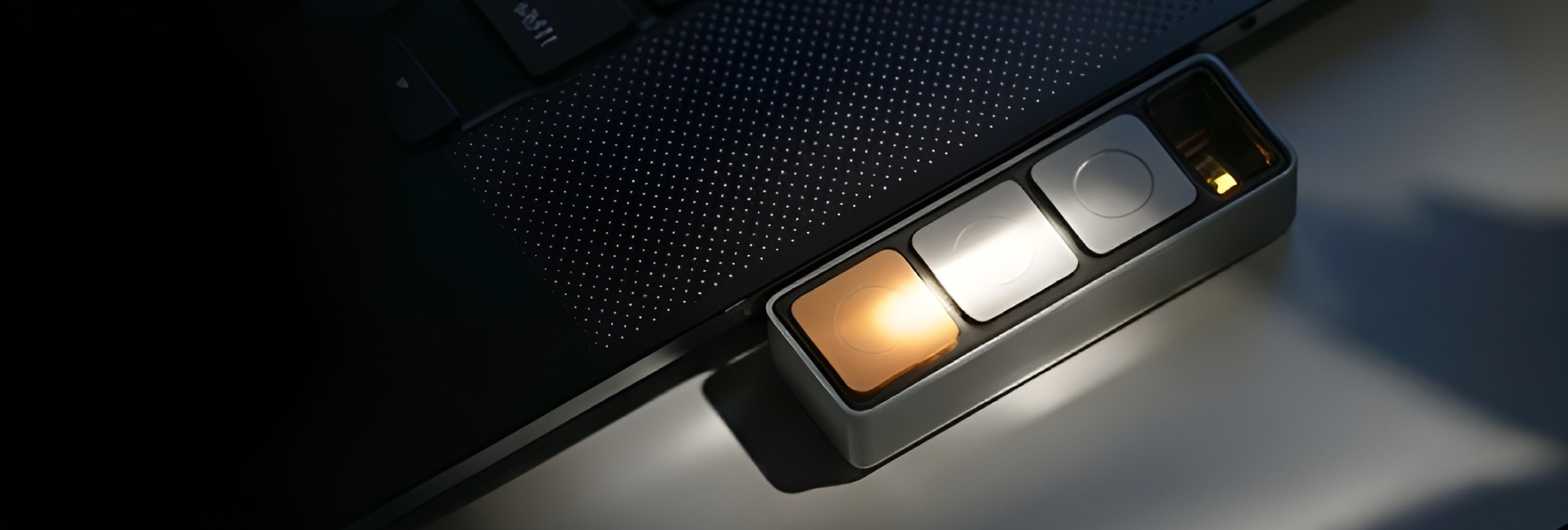
Plug Dune into your Mac via USB‑C.
Step 2

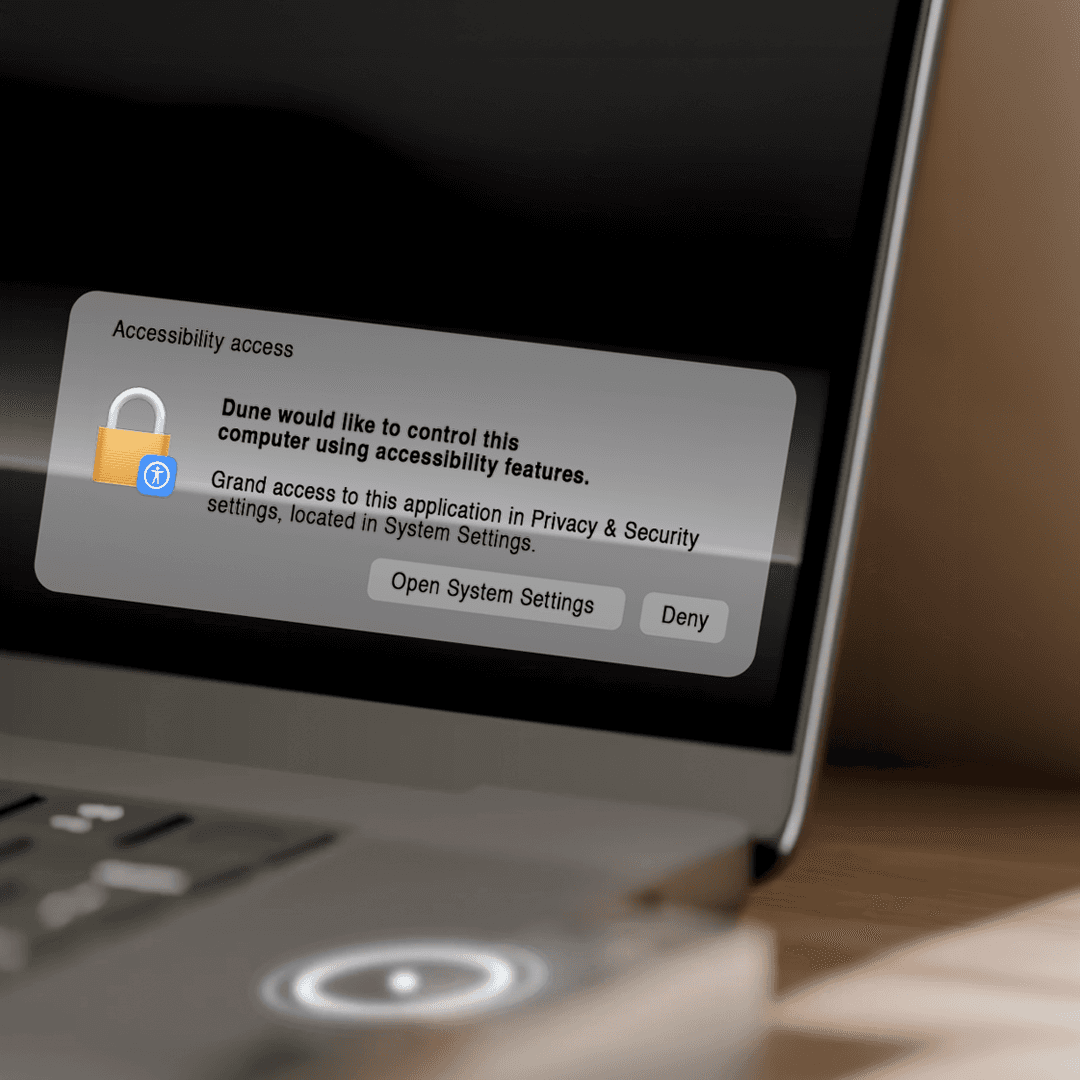
Install the Dune Mac app and approve access to supported apps like Zoom, Teams, and Google Meet.
Step 3

Watch Dune automatically adapt, whether it’s meeting time or coding time, every shortcut you need is one tap away.

Specifications
Material

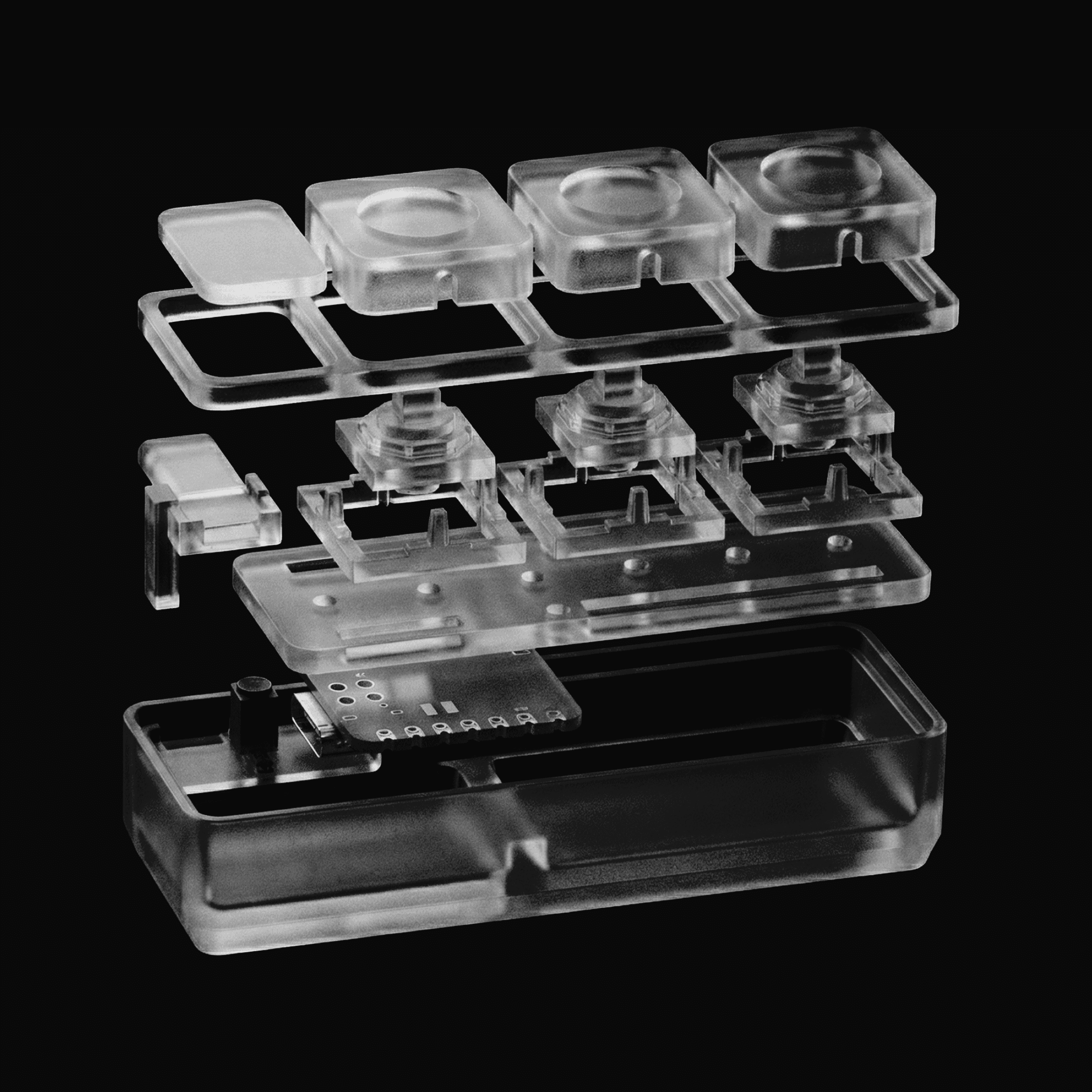
CNC‑machined anodized aluminum

Compatibility

macOS only

Connectivity

USB-C

Dimensions

40mm × 10mm × 10mm

Weight

50g

Power

USB‑C powered (no battery required)

Material

CNC‑machined anodized aluminum

Compatibility

macOS only

Connectivity

USB-C

Dimensions

40mm × 10mm × 10mm

Weight

50g

Power

USB‑C powered (no battery required)

Get an Exclusive Discount

We're launching soon. Sign up today and lock in an early discount - you won't need to memorize a single shortcut ever again.
About Us

We are building AI interfaces

The world of software and apps has evolved steadily over the past 20 years. With recent advances in AI, we're able to do far more in less time and are always multitasking. Yet the physical means to do so, keyboards and touchscreens, have remained largely unchanged over that same period. We're exploring new interfaces to bridge that gap and shape what the next generation of human-computer interaction could look like.

The world of software and apps has evolved steadily over the past 20 years. With recent advances in AI, we're able to do far more in less time and are always multitasking. Yet the physical means to do so, keyboards and touchscreens, have remained largely unchanged over that same period. We're exploring new interfaces to bridge that gap and shape what the next generation of human-computer interaction could look like.

Experiments

From the lab at Project Mirage
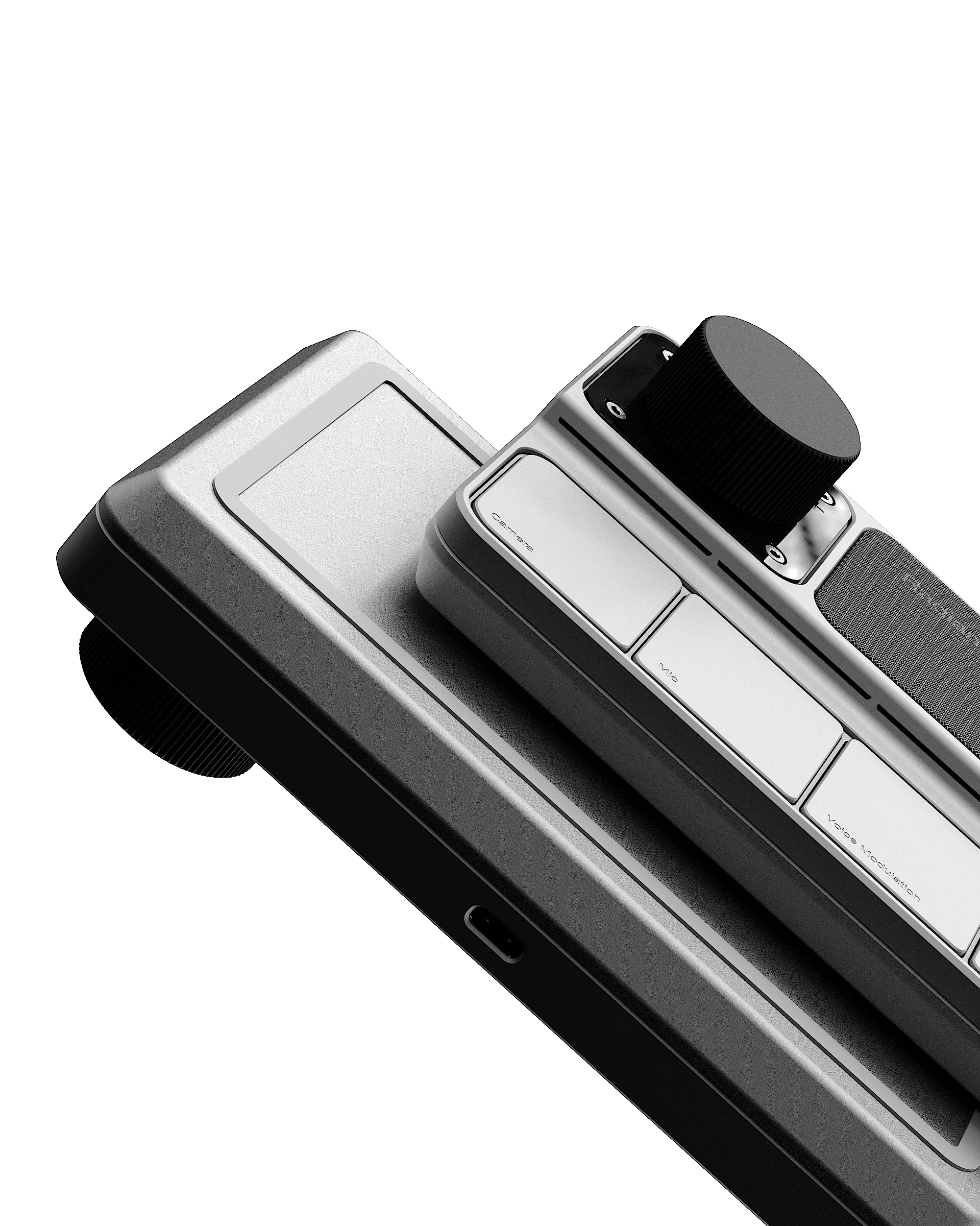
Radiance

Our earliest experiment towards making online meetings easier. Dedicated controls, calendar sync, voice modulation trained on you. Dune is our modified take on it.
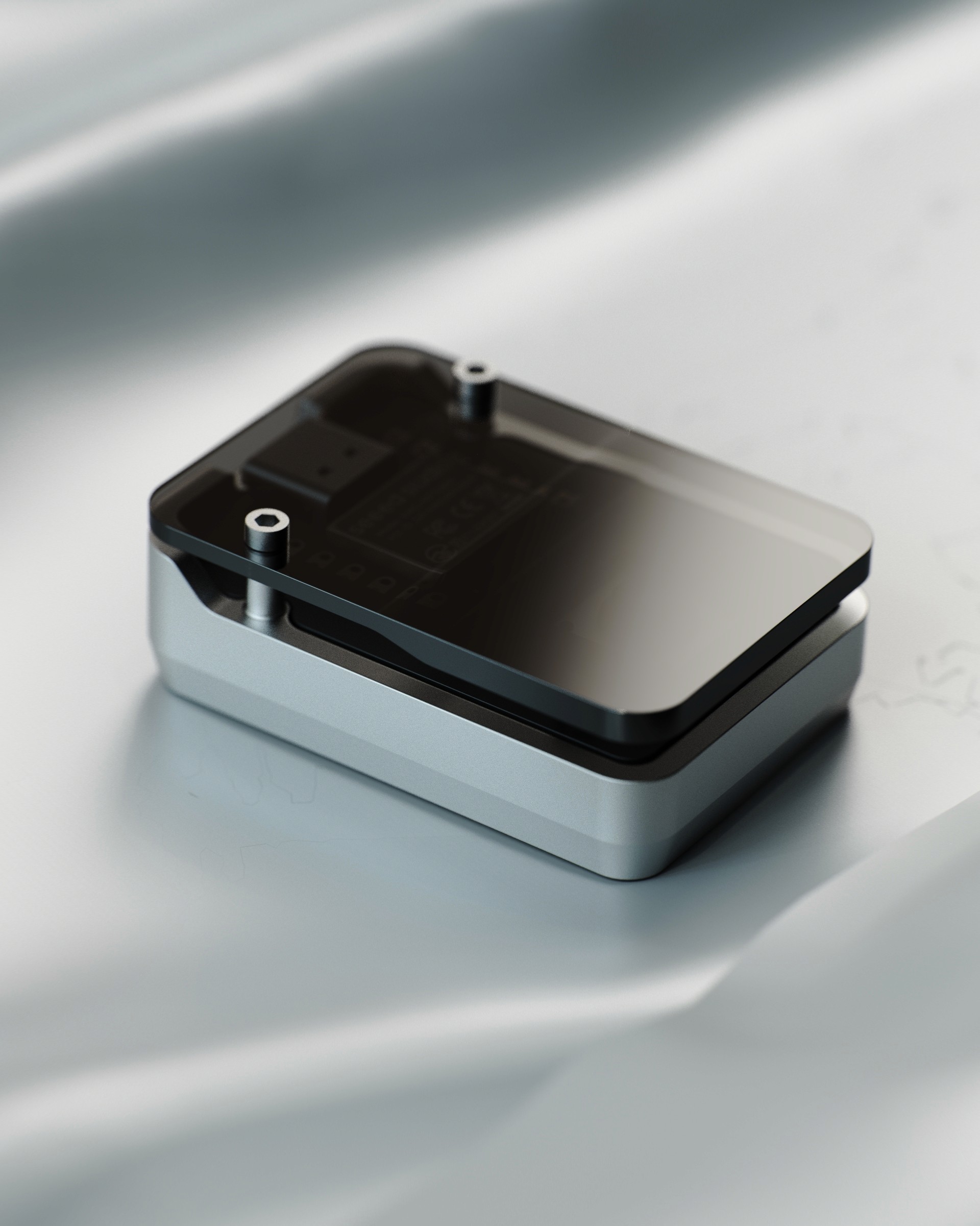
Shift

A single button that learns your routines: one tap books your ride, orders your meal, restocks your groceries.

We're just warming up

Just warming up

Dune gives you first-pass access to what we are launching next. Join us on our journey to redefine human-computer interaction together.

Get an Exclusive Discount

We're launching soon. Sign up today and lock in an early discount - you won't need to memorize a single shortcut ever again.
FAQs

These are the most commonly asked questions about Dune.

Which apps does Dune work with?

Do I need to configure anything?

Does Dune work on Windows?

Is Dune programmable?

When will Dune ship?

How can I get early access to Dune?

Which apps does Dune work with?

Do I need to configure anything?

Does Dune work on Windows?

Is Dune programmable?

When will Dune ship?

How can I get early access to Dune?