


Context-Aware Keypad For MacOS
Automating dev workflows, simplifying online meetings, and more.
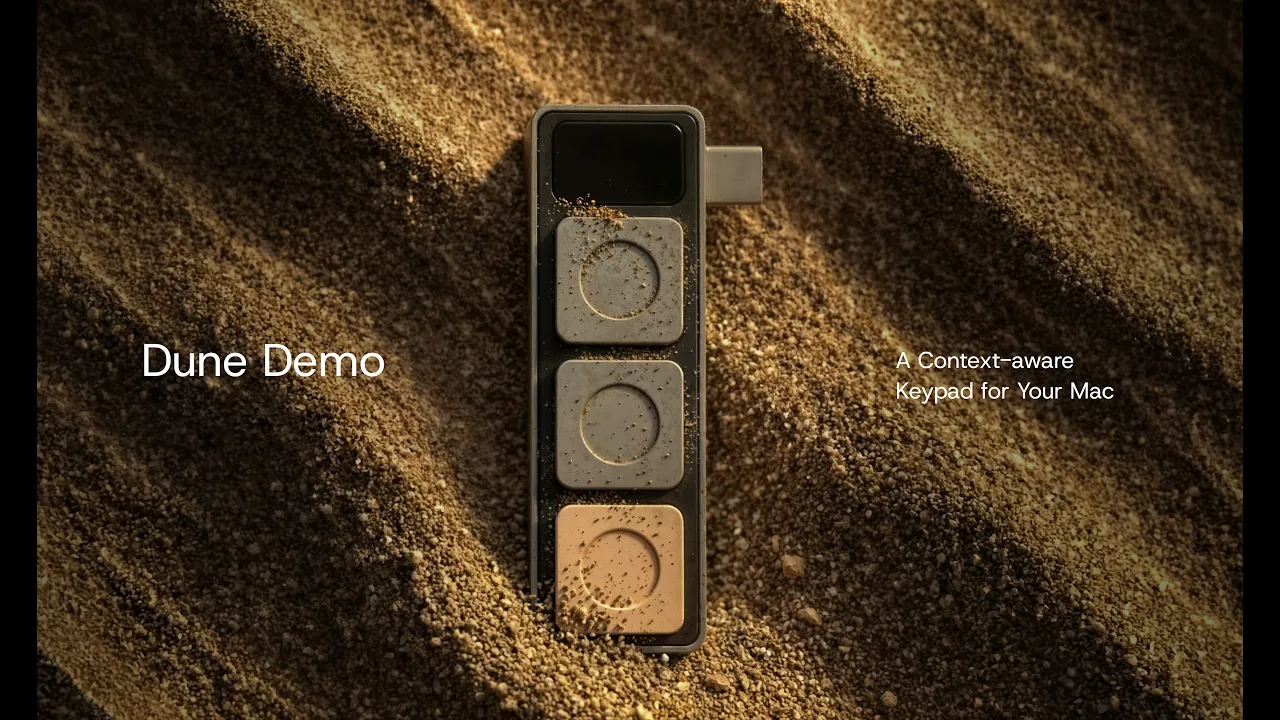
Dune is a context-aware Mac keypad that automatically adapts to every app you work in, so the action you need is always one tap away. Switch to GitHub and your keys become Approve PR, Request Changes, Close. Jump on a Zoom call and they become your meeting controls. Connect Dune to OpenClaw and invoke the AI agents you've already built without leaving what you're doing.
If you can write it, Dune can run it.
AS FEATURED ON
AS FEATURED ON
Dune for Dev Workflows
Stay in GitHub, VS Code, Claude, without breaking flow
Dune detects which dev tool you're in and maps its three keys to the actions you reach for most. Connect Dune with Openclaw to have your most-used agents, such as an Email Assistant that sorts your inbox and drafts responses early in the day, sit one tap away.
Dune for Meetings
Join Zoom, Teams, and Google Meet calls with one click.
Dune syncs with your calendar and converts its three keys into instant meeting controls, enabling one-click join for online meetings. One click to mute/unmute, which also brings your active meeting window forward while multitasking. Plus dedicated camera controls, so you're never hunting for on-screen buttons mid-conversation.
Dune for Productivity
Trigger any shortcut, URL, or script with a single tap
Dune has the most-used shortcuts for Notion, Figma, and Excel enabled by default. Open any link the moment you need it. Run custom scripts to automate the workflows you repeat every day. If you can write it, Dune can run it.
Two New Ways to Use Three Keys
Set up your Dune by chatting with Claude or install scripts from the marketplace
Dune Marketplace
Browse scripts built by other Dune users and install in seconds. From summarizing your last meeting to drafting a reply from your inbox, find what fits how you work. New scripts go up every week. Upload your own.
Build with Claude
Configure your entire Dune through a conversation. Tell Claude about your day and it'll suggest setups built around how you actually work. Ask it to change a script, add a shortcut, or walk you through your current setup.
Build Something Gloriously Unnecessary.
Auto-decline every meeting under 30 minutes or DM yourself a reality check every time you find yourself doomscrolling. If you can describe it, Claude will build it — or someone in the Marketplace already beat you to it.

Stop switching windows. Start shipping faster.
Stop switching windows. Start shipping faster.
Three keys that update with every app you open. Built for developers who live in GitHub, VS Code, and Claude.
Loved by Builders
Real setups, real workflows - what users are building with Dune
How it Works
FAQs
Does Dune auto change what it does?
Is Dune programmable, and where does it connect?
Which Macs are compatible with Dune, and what macOS version is required?
Which apps does Dune work with, and do I need to configure anything?
When will Dune ship, and what is your returns policy?
Can I cancel my order?
Does Dune auto change what it does?
Is Dune programmable, and where does it connect?
Which Macs are compatible with Dune, and what macOS version is required?
Which apps does Dune work with, and do I need to configure anything?
When will Dune ship, and what is your returns policy?
Can I cancel my order?
AS FEATURED ON
AS FEATURED ON
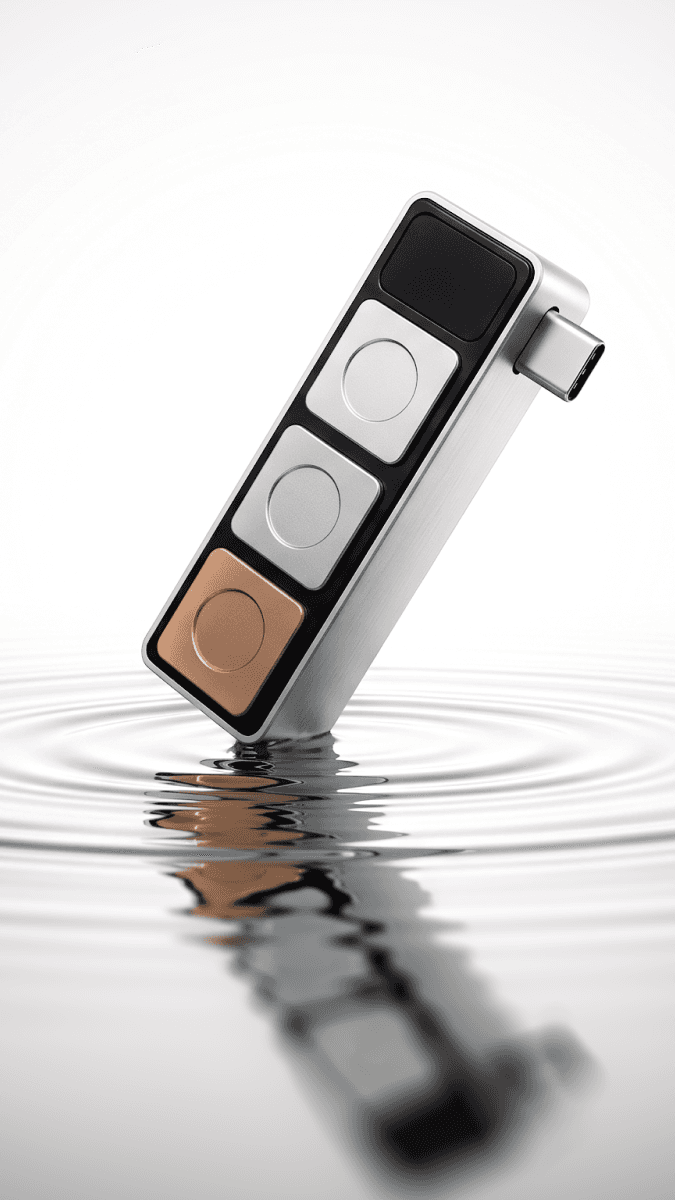
Dune is a context-aware Mac keypad that adapts to every app you work in. Switch to GitHub and your keys become Approve PR, Request Changes, Close. Jump on a Zoom call and they become your meeting controls. Invoke your AI agents without leaving what you're doing.
If you can write it, Dune can run it.
Context-Aware Keypad For MacOS
Automating dev workflows, simplifying online meetings, and more.
Dune for Dev Workflows
Stay in GitHub, VS Code, Claude, without breaking flow
Dune detects which dev tool you're in and maps its three keys to the actions you reach for most. Connect Dune with Openclaw to have your most-used agents, such as an Email Assistant that sorts your inbox and drafts responses early in the day, sit one tap away.
Dune for Meetings
Join Zoom, Teams, and Google Meet calls with one click.
Dune syncs with your calendar and converts its three keys into instant meeting controls, enabling one-click join for online meetings. One click to mute/unmute, which also brings your active meeting window forward while multitasking. Plus dedicated camera controls, so you're never hunting for on-screen buttons mid-conversation.
Dune for Productivity
Trigger any shortcut, URL, or script with a single tap
Dune has the most-used shortcuts for Notion, Figma, and Excel enabled by default. Open any link the moment you need it. Run custom scripts to automate the workflows you repeat every day. If you can write it, Dune can run it.
Two New Ways to Use Three Keys
Set up your Dune by chatting with Claude or install scripts from the marketplace
Dune Marketplace
Browse scripts built by other Dune users and install in seconds. From summarizing your last meeting to drafting a reply from your inbox, find what fits how you work. New scripts go up every week. Upload your own.
Build Something Gloriously Unnecessary.
Auto-decline every meeting under 30 minutes or DM yourself a reality check every time you find yourself doomscrolling. If you can describe it, Claude will build it — or someone in the Marketplace already beat you to it.
Build with Claude
Configure your entire Dune through a conversation. Tell Claude about your day and it'll suggest setups built around how you actually work. Ask it to change a script, add a shortcut, or walk you through your current setup.